Tracking what you eat works, but the usual way of doing it is tedious. Searching a database for every ingredient, guessing grams and logging each item takes long enough that most people give up within a couple of weeks.
Photo calorie counting removes most of that work. You take a picture of your meal and an app estimates its calories, protein, carbs and fat. This guide explains how it works, what it does well, where its limits are, and how to get the most accurate results.
How photo calorie counting works
When you take a photo of your plate, an AI model trained on a very large number of food images does three things:
- Recognises the foods. It identifies what's on the plate, for example grilled chicken, rice and broccoli.
- Estimates portions. It uses the size of each food relative to the plate and the rest of the scene to estimate how much of each there is.
- Calculates nutrition. It matches each food and portion to nutrition data and adds everything up into calories and macros.
The whole process takes a few seconds, compared with several minutes of manual logging.
How accurate is it?
Photo-based estimates are guidance, not a laboratory measurement, and it's worth being clear about that. They do well with:
- Meals where each food is clearly visible: a piece of fish, a portion of rice, a salad.
- Common dishes the model has seen many times.
- Standard plates and bowls photographed from a sensible angle.
They have a harder time with:
- Hidden ingredients. Oil, butter and sugar cooked into a dish can't be seen in a photo, and they add a lot of calories.
- Mixed dishes. Stews, curries and casseroles hide what's inside.
- Unusual portion sizes. A very large or very small serving can be hard to judge from a picture.
Manual tracking has errors too: people misjudge portions and forget items all the time. For most goals, being consistently close every day matters more than being perfect once. A quick method you actually use beats a precise one you abandon.
7 tips for more accurate photo tracking
1. Shoot from above, at a slight angle
A top-down or 45° angle shows every food on the plate and gives the best sense of portion size. Avoid extreme close-ups.
2. Use good light
Natural light or a well-lit kitchen helps the model see textures and colours. Dark, yellow-tinted photos are harder to read.
3. Keep foods visible and separate
If you can, photograph the meal before mixing it. A bowl where the rice, chicken and vegetables are side by side is easier to analyse than one where everything is stirred together.
4. Adjust the portion when you know better
If you weighed the pasta or know the yoghurt pot was 150 g, correct the portion. The photo gives you a fast first estimate; your knowledge makes it accurate.
5. Add what the camera can't see
Fried it in a tablespoon of olive oil? Added a sugary dressing? Add those manually. Cooking fats are the most common source of "missing" calories.
6. Photograph before you eat
It sounds obvious, but a photo taken halfway through a meal is much harder to estimate.
7. Look at trends, not single meals
One estimate might be a little high, the next a little low. Over a week those differences tend to even out, and your weekly average is what drives results.
Photo tracking vs. manual logging
| Photo tracking | Manual logging | |
|---|---|---|
| Time per meal | A few seconds | Several minutes |
| Accuracy | Good estimate, improved by adjusting portions | Depends on weighing and database quality |
| Hidden oils and sauces | Must be added manually | Must be added manually |
| Easy to keep up | Very easy | Hard for most people |
Many people find a mix works best: photos for everyday meals, with quick manual tweaks when they know the exact amounts.
Tracking your plate with Cookyfai
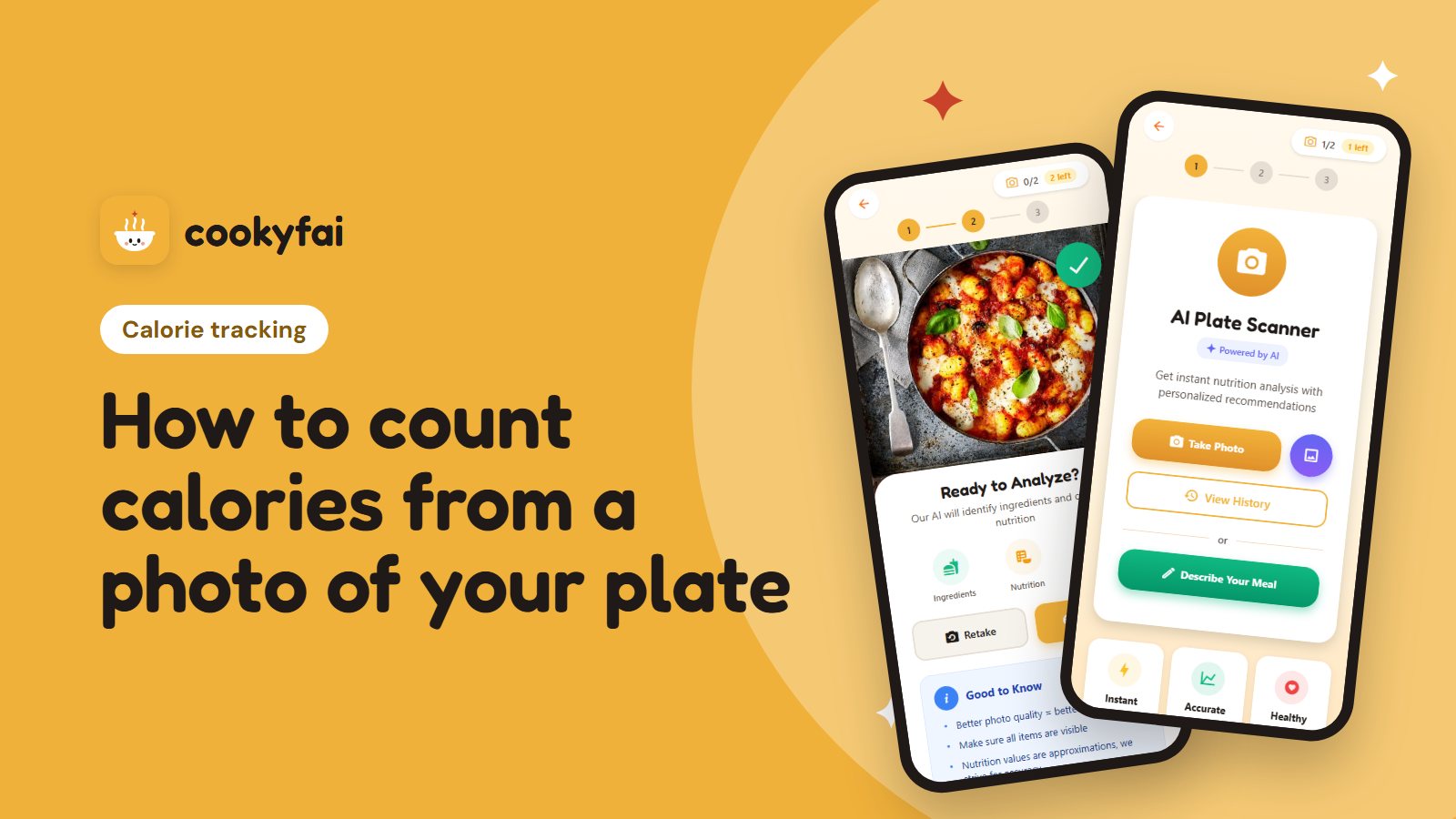
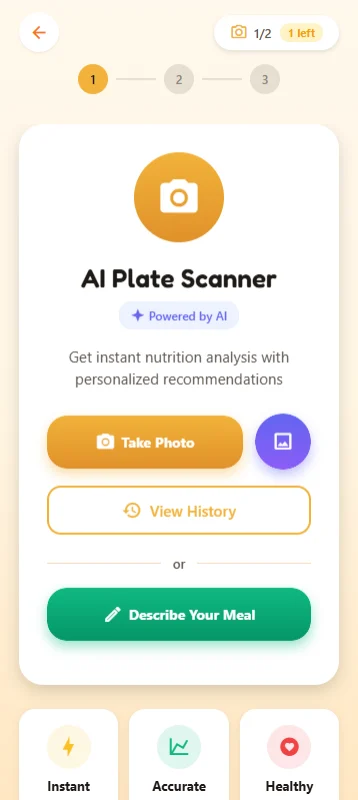
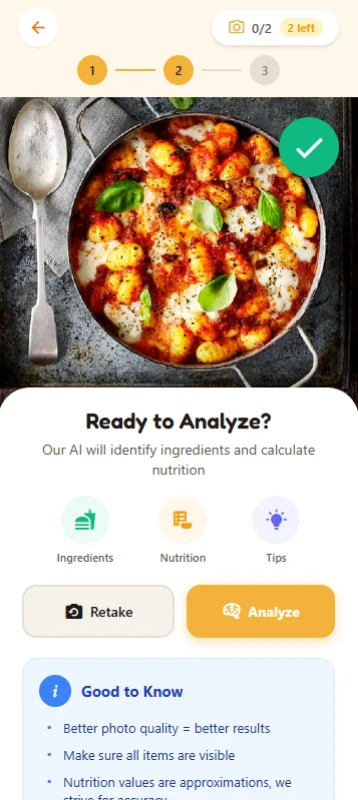
Cookyfai includes AI plate scanning. Take a photo of any meal and it estimates the calories, protein, carbs and fat in seconds. You can adjust the portion if something looks off, then save it to your day.
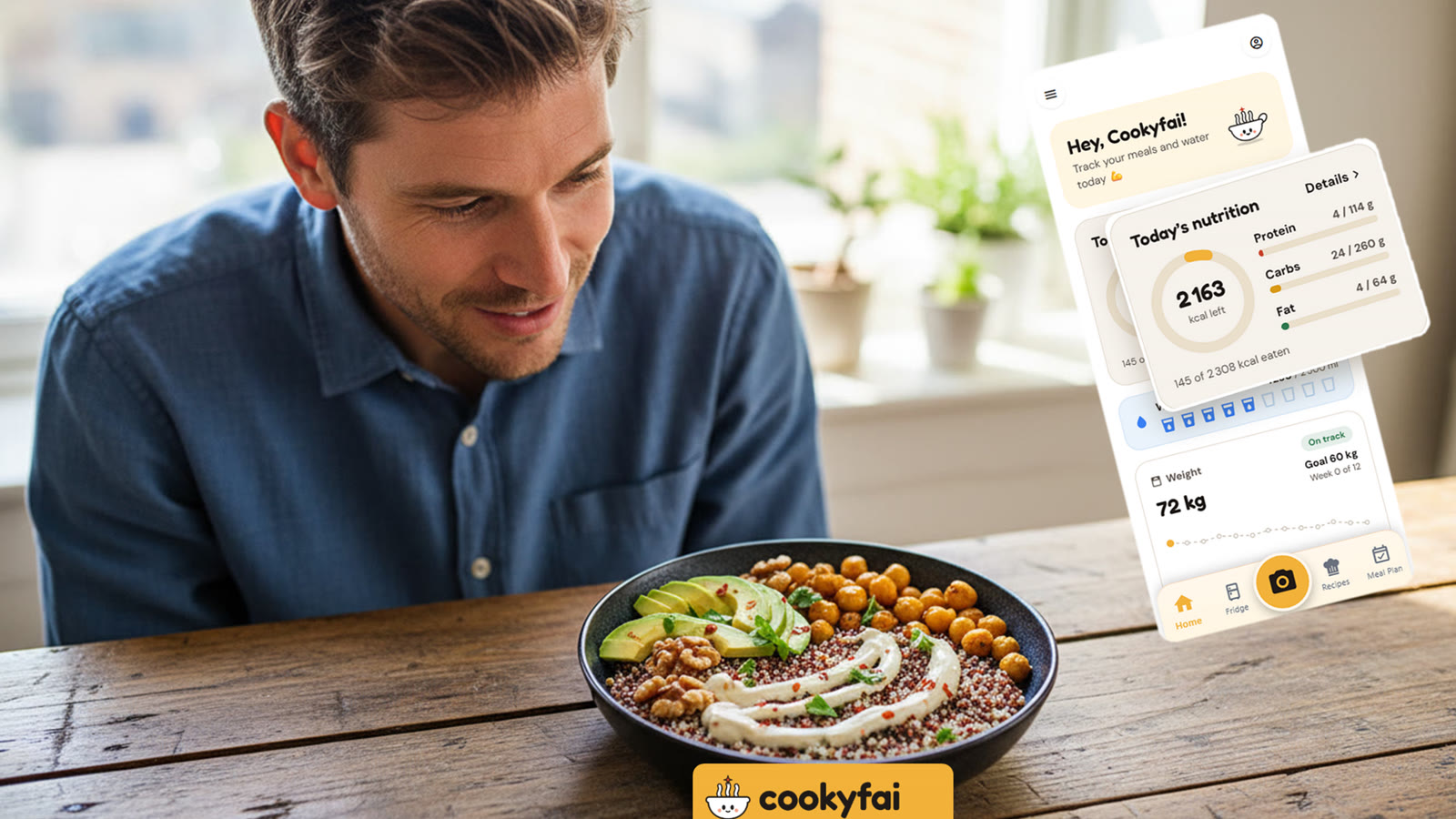
Everything adds up on a simple dashboard: daily calorie and macro goals, weekly trends and a water tracker. Plate scanning sits next to fridge scanning and recipe suggestions, so the app that helps you decide what to cook also helps you track what you ate.
The free plan includes daily plate scans. Premium adds more scans and detailed analytics. See pricing for details.
The takeaway
- Photo calorie counting turns a snap of your plate into calories and macros in seconds.
- It's a solid estimate, best for meals where the foods are visible.
- Shoot from above in good light, adjust portions you know, and add hidden oils.
- Consistency beats precision: track most meals and watch the weekly trend.
Ready to try it? Download Cookyfai and scan your next meal.